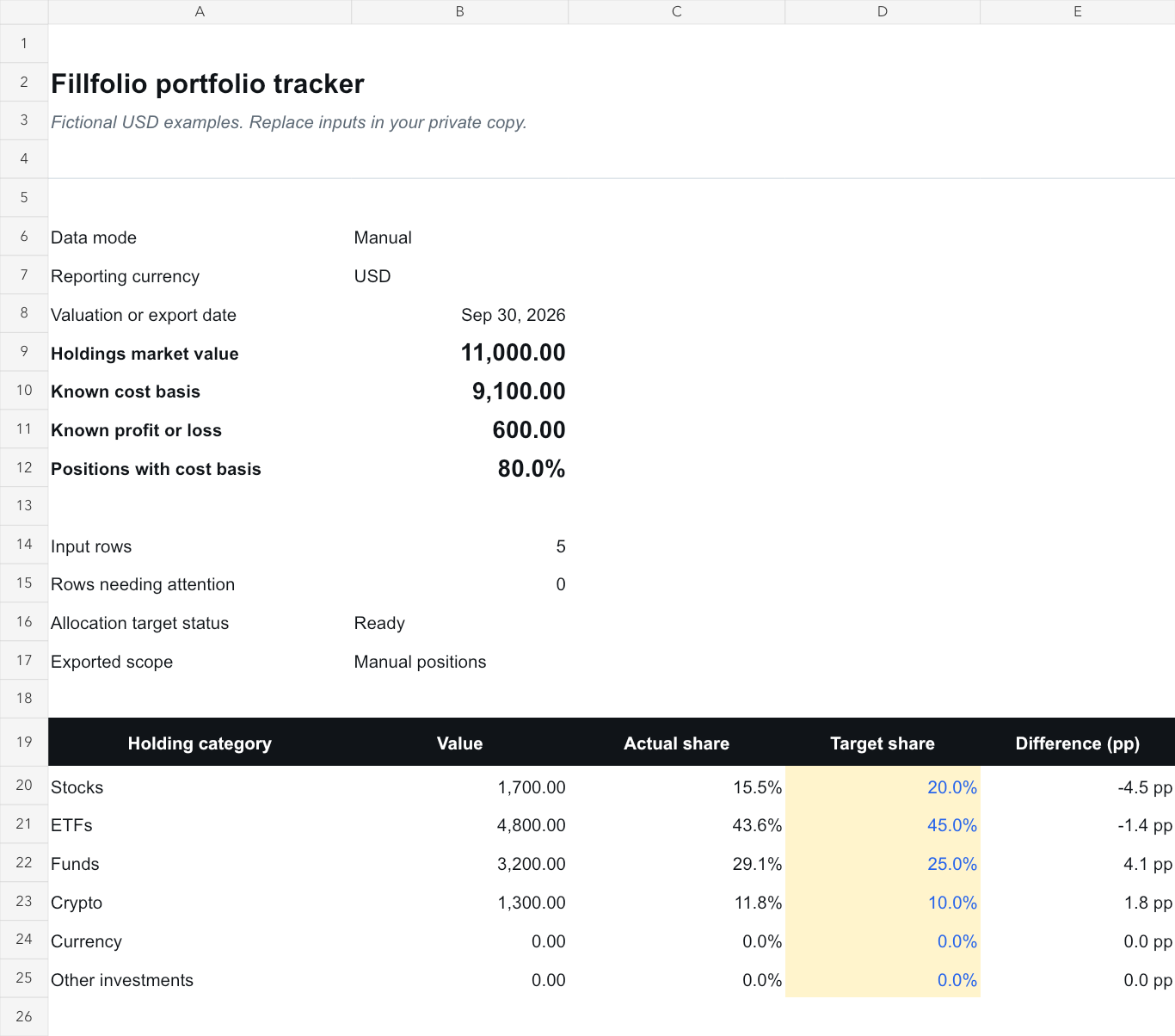
Portfolio & allocation review
Review the value and weight of your selected investment holdings.
View template and guideFree Google Sheets templates
Copy a worksheet, follow its Google Docs guide, and review your own numbers. Use the manual templates for free; add paid Fillfolio sync if you want to work with data you already track in Fillfolio.
No Fillfolio account or paid plan is required for the manual worksheets. You need a Google account to save your own copies. Each public master contains fictional examples.
Review the value and weight of your selected investment holdings.
View template and guide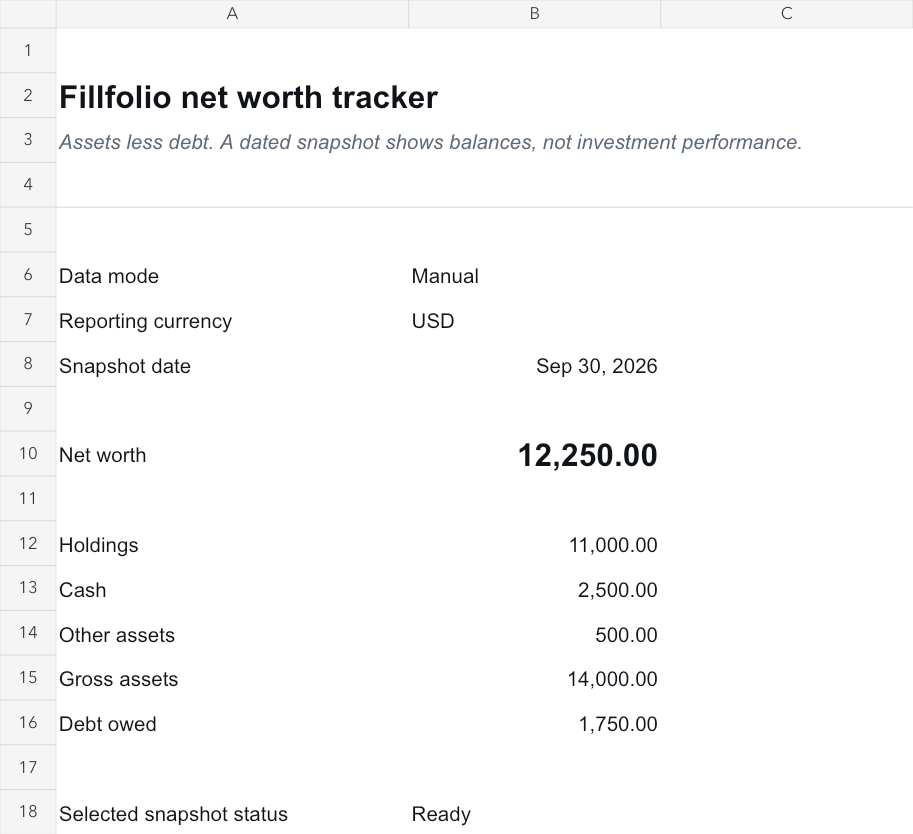
Create a dated view of assets minus liabilities, with clear coverage.
View template and guide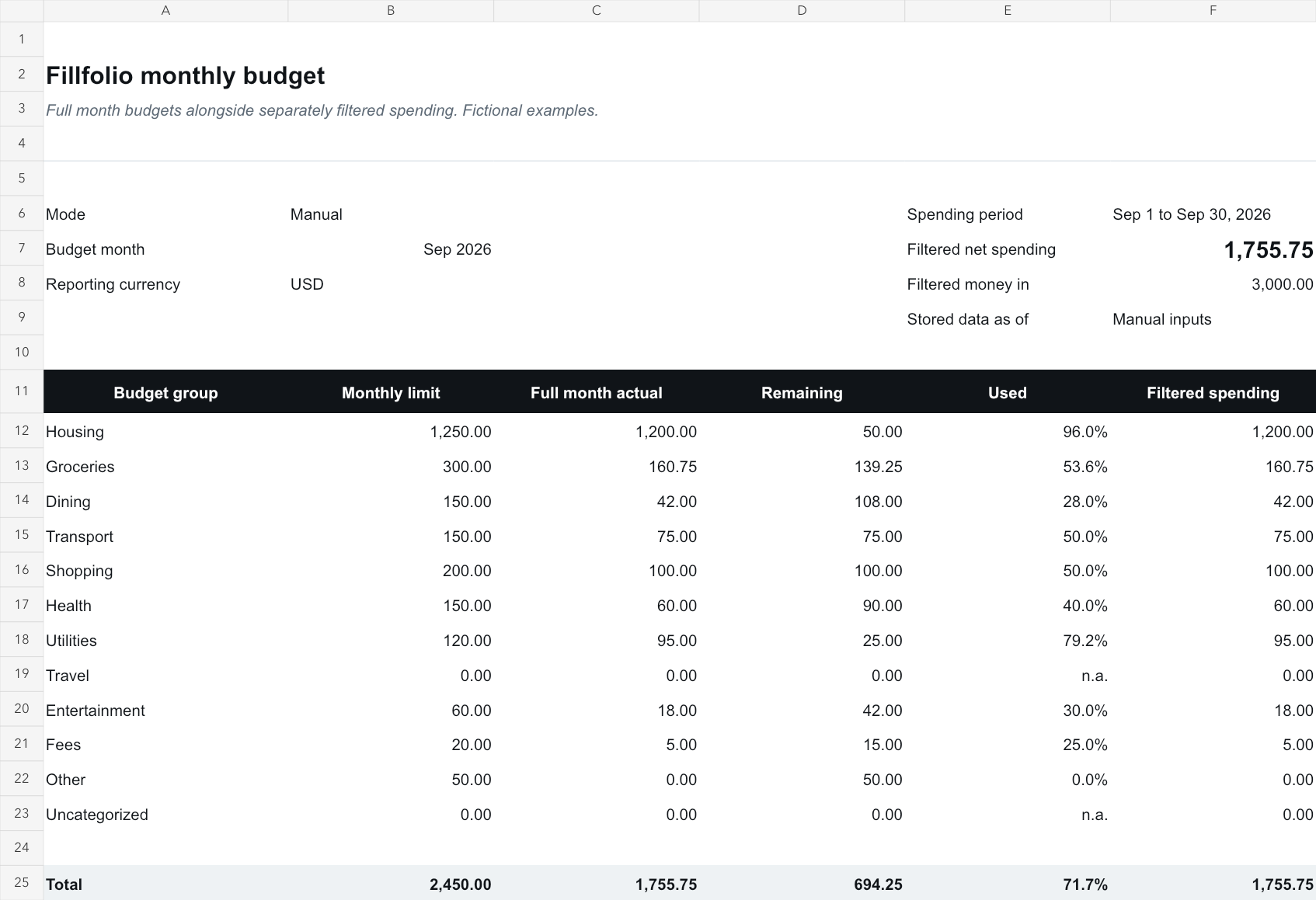
Compare monthly category limits with posted spending after refunds.
View template and guideChoose your scope, note the date and currency, and check what is missing. After copying a template, review its sharing settings before entering personal balances. If you use the Fillfolio add-on, keep your formulas and notes on personal tabs so later syncs can update the managed reports.
See how Fillfolio Google Sheets sync works